Skip to content
GoPDF
  • go pdf
  • About us
  • Pricing
  • PDF Tools
    • Edit PDF
    • PDF to JPG
    • PDF to Word
    • Compress PDF
    • Merge PDF
    • Protect PDF
    • Crop PDF
    • OCR PDF
    • AI Chat with PDF
  • Contact us
  • posts
Search
Subscribe
Subscribe
GoPDF
Search

Why Can’t I Edit a PDF

Why Can’t I Edit a PDF? Common Issues and Solutions

Leave a Comment / gopdf / By

If a PDF won’t let you edit it, the cause is almost always one of these things, the document being password-protected, a scanned image, corrupted, or is flattened. Not to be able to edit a PDF isn’t a single problem, it’s a symptom, and the fix depends entirely on which of the items mentioned above …

Why Can’t I Edit a PDF? Common Issues and Solutions Read More »
How To Chat With Your PDF Using AI

How To Chat With Your PDF Using AI in 2026

Leave a Comment / gopdf / By

Asking an AI questions about a document in plain language and getting answers drawn directly from its contents, eliminating the need to scroll, search for keywords, or read the entire file, means Chatting with PDF. You simply upload a file, type something like “what’s the termination clause?” or “summarize the methodology”, and the AI replies …

How To Chat With Your PDF Using AI in 2026 Read More »

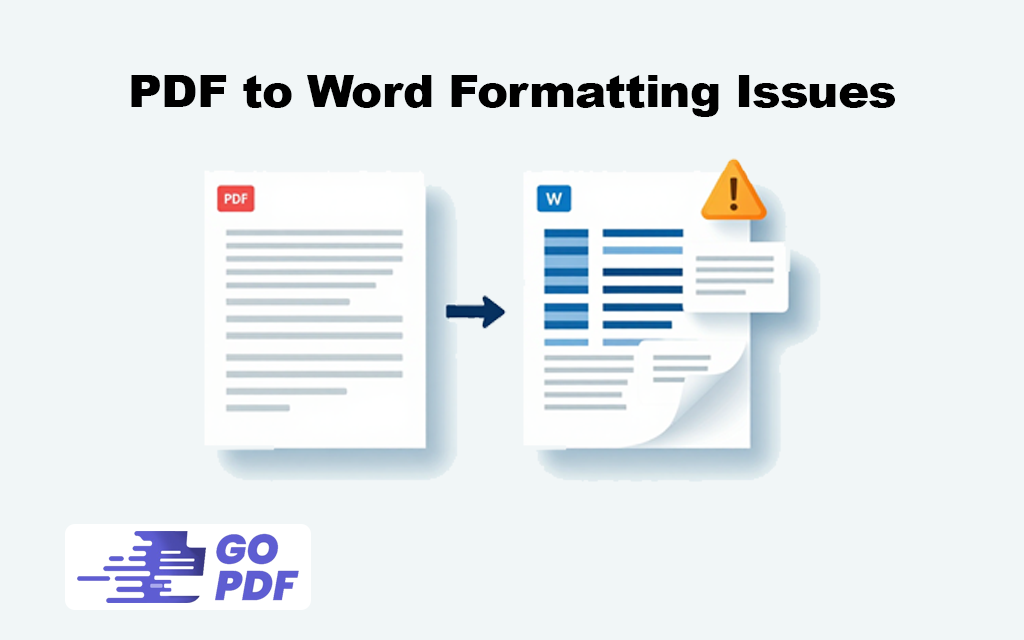
PDF to Word Formatting Issues

PDF to Word Formatting Issues and How to Fix Them

Leave a Comment / gopdf / By

When you convert PDF to Word, you often face severe formatting issues where text shifts, fonts change, tables fall apart, and images land in the wrong places. This happens because PDFs and Word documents are built on completely opposite principles, meaning that a PDF fixes elements by exact coordinates while Word relies on a fluid …

PDF to Word Formatting Issues and How to Fix Them Read More »

How to Add Comments to PDF

How to Add Comments to PDF

Leave a Comment / gopdf / By

Adding a comment to a PDF means attaching feedback to the document without altering its underlying content  a sticky note, a highlight with a remark, a margin reply, or a drawn mark. The original page stays exactly as it was; your comments sit in a separate annotation layer on top of it. That separation is …

How to Add Comments to PDF Read More »

How to Add Signature Block to PDF

How to Add Signature Block to PDF

2 Comments / gopdf / By

A signature block is the designated area on a PDF where a signer enters their signature  and often their printed name, title, date, and initials. Adding one means placing an interactive signature field on the page, not drawing your own signature. That distinction is the source of most confusion: when you add a signature block, …

How to Add Signature Block to PDF Read More »

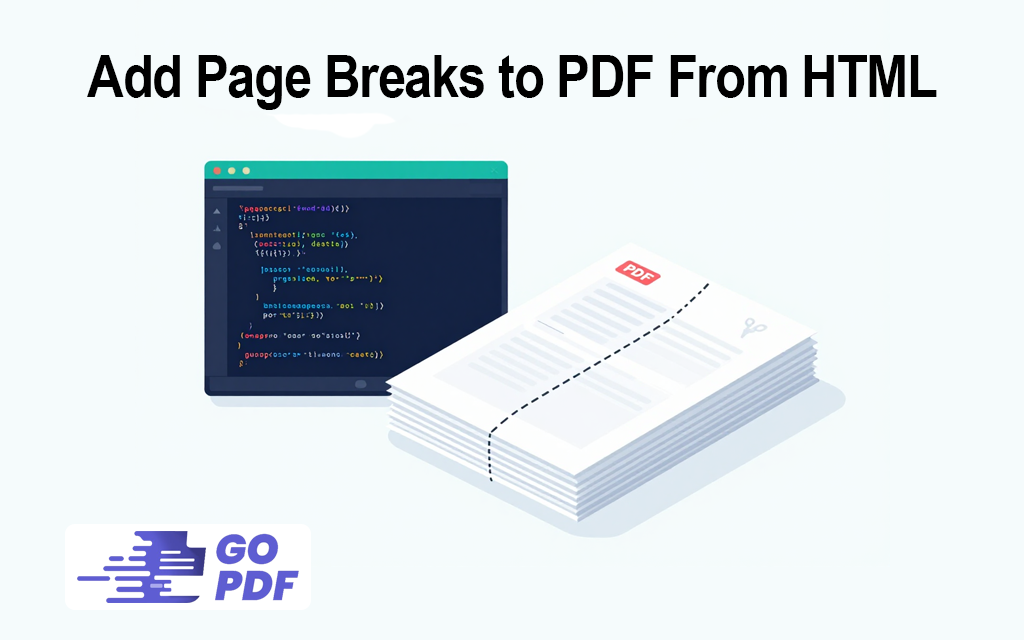
Add Page Breaks to PDF From HTML

Different Ways To Add Page Breaks to PDF From HTML

Leave a Comment / gopdf / By

A page break in an HTML-to-PDF conversion is an instruction that forces content onto a new printed page instead of letting it flow continuously. When a browser renders HTML on screen, there are no pages  content scrolls. The moment that HTML is converted to PDF, it has to be sliced into fixed pages, and a …

Different Ways To Add Page Breaks to PDF From HTML Read More »

PDF Metadata

PDF Metadata: View, Edit & Manage Hidden Data

Leave a Comment / gopdf / By

PDF metadata is the descriptive information stored inside a PDF about the document itself  separate from the visible content on the page. It records things like the title, author, subject, keywords, the application that created the file, and the dates it was created and last modified. None of it appears when you read the document, …

PDF Metadata: View, Edit & Manage Hidden Data Read More »

How to Change Color of PDF Document

How to Change Color of PDF Document

Leave a Comment / gopdf / By

Changing the color of a PDF means altering how the document looks its text color, background, or overall tone  either permanently inside the file or temporarily for easier reading. The phrase covers several genuinely different tasks, and the reason people get stuck is that they search “change PDF color” while meaning one specific thing among …

How to Change Color of PDF Document Read More »

How to Convert Word to PDF with Embedded Fonts

How to Convert Word to PDF with Embedded Fonts

Leave a Comment / gopdf / By

Embedding fonts when you convert Word to PDF means packaging the actual typeface files inside the PDF, so the document displays with your exact fonts on any device — even one that has never had those fonts installed. Without embedding, a PDF only references a font by name and expects the reader’s system to supply …

How to Convert Word to PDF with Embedded Fonts Read More »

PDF/A definition

PDF/A Explained: Versions, Compliance & PDF vs PDF/A

Leave a Comment / gopdf / By

PDF/A is a restricted version of the PDF format created for one purpose: long-term preservation. It’s an ISO standard (ISO 19005) that strips out everything in a normal PDF that could stop the file from rendering correctly years from now — and forces in everything required to guarantee it still will. A PDF/A file is …

PDF/A Explained: Versions, Compliance & PDF vs PDF/A Read More »

Posts pagination
← Previous Page 1 … 4 5 6 Next Page →

Recent Post
  • How to Lock a PDF From Editing (The 2-Minute Answer)
  • How to Type on a PDF (Fillable, Flat & Scanned Files)
  • How to Edit a PDF on a Chromebook (Free, No Install Required)
  • How to Convert a Picture to PDF on iPhone (No App Needed)
  • How to Make a PDF on iPhone (2026 Guide, No App Required)
  • go pdf
  • About us
  • Pricing
  • PDF Tools
    • Edit PDF
    • PDF to JPG
    • PDF to Word
    • Compress PDF
    • Merge PDF
    • Protect PDF
    • Crop PDF
    • OCR PDF
    • AI Chat with PDF
  • Contact us
  • posts
Subscribe
Subscribe
  • go pdf
  • About us
  • Pricing
  • PDF Tools
  • Contact us
  • posts

Sign up to receive email updates, fresh news and more!

Copyright © 2026 GoPDF | Powered by GoPDF