Edit existing text
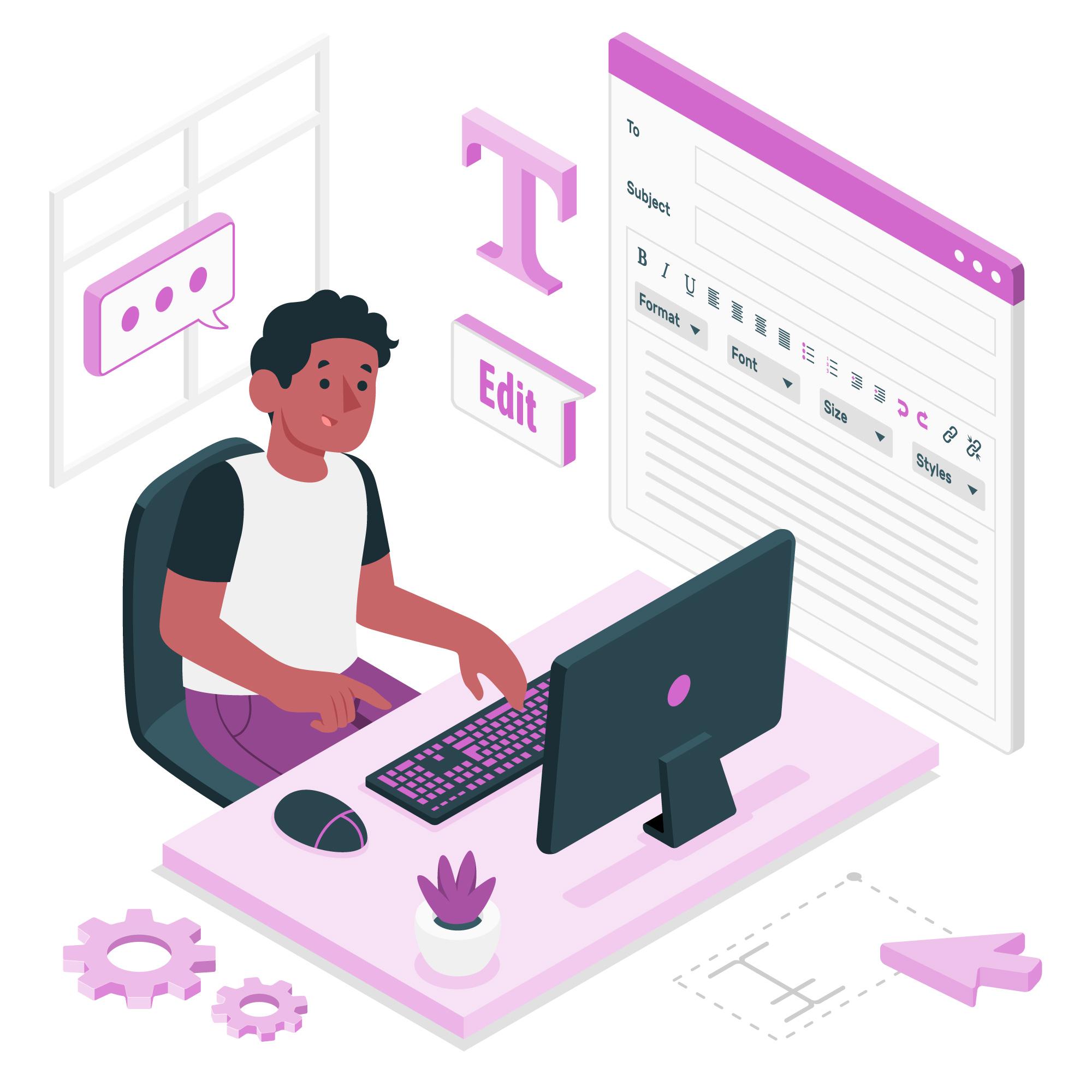
Click text in your PDF to change words, fix typos or update numbers and dates.

Edit PDF files right in your browser: change text, add images, shapes, links and your signature, fill in forms and download the edited PDF. Watch the short video to see how it works.
Open the PDF editorWorks in your browser. Nothing to install.
Need to fix a typo, update a date or sign a document? GoPDF's online PDF editor lets you edit PDF text directly, add images, shapes and links, sign and fill in forms, all in your browser. Open the editor, make your changes and download the edited PDF. New to it? The short video above walks you through every step.
Click text in your PDF to change words, fix typos or update numbers and dates.
Add new text, insert images such as a logo, and draw shapes like rectangles, lines and arrows.
Link text to a website or email address, and sign by drawing, typing or uploading an image of your signature.
Type into a form's fields, or add your own check boxes, radio buttons, lists and date fields.
Step 01
Click Open the PDF editor and choose a PDF from your device.
Step 02
Use Edit Text, Add Text, Add Image, Link or Sign in the toolbar, or open More for shapes and form fields.
Step 03
Click Download to save the edited PDF. Downloading needs a free GoPDF account.
Discover our top PDF tools for easy editing, signing, converting, and merging everything you need in one place.
Open the GoPDF PDF editor, choose your PDF, use the toolbar to change text or add images, shapes, links or a signature, then click Download. The video at the top of this page shows each step.
You can open and edit PDFs for free. Downloading the edited file needs a free GoPDF account. Free accounts include a limited number of edited PDFs, and paid plans include more.
Yes. Click text in your PDF to change it. Scanned pages are pictures of text, so their text can't be edited directly. Convert the scan to Word, which reads scanned pages with OCR, and edit it there.
No. The editor runs in your web browser on Windows, Mac, Linux and Chromebook. There is nothing to download or install.
When you download it, the edited PDF is also saved to your GoPDF account so you can find it later. You can delete it at any time.