Summarize a PDF in seconds
Upload your file and tap Summary. The AI reads every page and returns the main points in plain language.

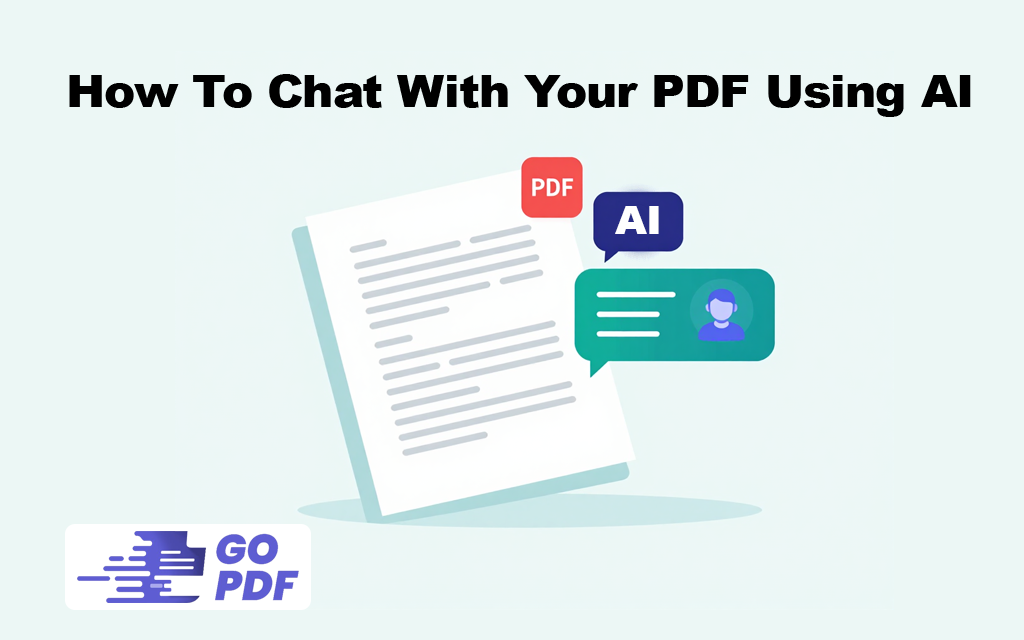
Upload a PDF and get its key points in seconds. Tap Summary, read the main ideas in plain language, then ask follow-up questions about any part of the document.
Click to upload PDF files or drag and drop
Each file up to 80 MB. Without an account: up to 5 pages (sign in for up to 500).
Long PDFs take time to read. GoPDF's AI PDF summarizer reads the whole document and gives you the key points in seconds, so you can see what matters before you dive in. Upload a report, contract, research paper or lecture notes, tap Summary, and ask follow-up questions about any part of the file.
Upload your file and tap Summary. The AI reads every page and returns the main points in plain language.
Need more detail on one section? Ask in the same chat and get an answer based on your document.
Summarize reports, contracts, research papers, manuals and course notes of up to 500 pages and 80 MB.
Nothing to install. Create a free account and summarize PDFs on any device.
Step 01
Drop your file in the box above or choose it from your device.
Step 02
Pick Summary from the suggested actions. The AI reads the document and writes the key points.
Step 03
Review the summary, then ask questions about any section, figure or term in the file.
Discover our top PDF tools for easy editing, signing, converting, and merging everything you need in one place.
Upload the PDF, then tap Summary. GoPDF reads the document and returns its key points. You can then ask follow-up questions in the same chat.
You can start for free with a GoPDF account. Free use has a daily limit; paid plans raise it.
Text-based PDFs such as reports, contracts, research papers, manuals and lecture notes, up to 500 pages and 80 MB per file. For scanned pages, run OCR first so the AI can read the text.
Yes. The summary opens in a chat with your document, so you can ask about any part of it and get answers based on the file.
Your PDF is only used to answer your requests in your own account, and you can delete it at any time.