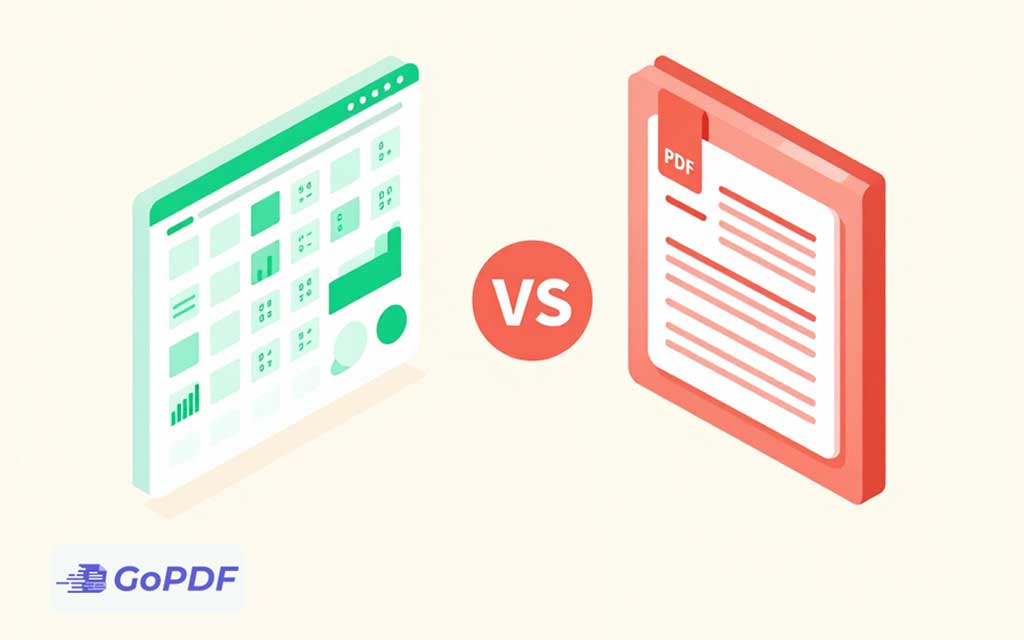
CSV and PDF are both common file formats, but comparing them is a little like comparing a spreadsheet of ingredients to a printed recipe card. One is built to hold raw, machine-readable data; the other is built to preserve a finished, human-readable layout. They solve opposite problems, and choosing between them comes down to a single question: does this file need to be processed or presented?
What Each Format Is For
CSV (Comma-Separated Values) is a plain-text format that stores tabular data as rows of values separated by commas. It carries no formatting, no fonts, no colors — just data. Any program that handles data, from spreadsheets to databases to programming languages, can read it. Its whole purpose is interoperability and easy processing.
PDF (Portable Document Format) is a fixed-layout format that preserves exactly how a document looks — fonts, images, spacing, page breaks — across every device. Its purpose is faithful presentation: a PDF looks the same whether opened on a phone, printed, or viewed years later.
Side-by-Side Comparison
| Attribute | CSV | |
|---|---|---|
| Primary purpose | Storing and exchanging data | Preserving document appearance |
| Content type | Tabular data only | Text, images, vectors, forms |
| Formatting | None | Fully preserved |
| Editable | Easily, in any text/spreadsheet tool | Difficult; layout is fixed |
| Machine-readable | Highly | Limited without parsing/OCR |
| File size | Very small | Larger |
| Best for | Imports, exports, analysis | Reports, invoices, contracts |
When to Use CSV
Reach for CSV whenever data needs to move between systems or be analyzed: exporting customer records, importing products into a store, feeding numbers into a spreadsheet model, or transferring data between applications. Because it’s plain text, it’s lightweight, universally supported, and trivially parsed by code. The tradeoff is that it shows raw values with no visual structure — a CSV of an invoice is just numbers and labels, not a document anyone wants to read directly.
When to Use PDF
Reach for PDF whenever appearance and integrity matter: invoices, contracts, reports, certificates, and anything that will be printed or signed. A PDF guarantees the recipient sees precisely what you intended, and it can’t be casually altered. The tradeoff is that extracting the underlying data back out is awkward — you’re working against a format designed to lock layout, not expose data.
The Common Real-World Crossover
The two formats frequently meet in the same workflow. A business might keep transaction records as CSV for analysis, then generate PDF invoices from that data for customers. Conversely, people often need to pull tabular data out of a PDF report and into CSV for further work — which requires extracting the PDF’s table content, sometimes with OCR if the PDF is scanned. Recognizing that these formats complement rather than compete is the practical insight: use CSV as the data backbone and PDF as the presentation layer.
Common Misconceptions
- “PDF is just a fancier CSV”: no — PDF isn’t a data format at all. It stores how things look, not structured data you can query.
- “Converting PDF to CSV is automatic”: only if the PDF has a clean, real table. Scanned tables need OCR, and complex layouts often need manual cleanup.
- “CSV preserves my spreadsheet”: CSV drops formulas, formatting, multiple sheets, and styling — it keeps only the raw values of a single table.
- “PDFs are always small”: image-heavy PDFs can be very large, while CSV stays tiny because it’s pure text.
Frequently Asked Questions
Can I convert a PDF to CSV?
Yes, if the PDF contains genuine table data. The table is extracted into rows and columns; scanned tables require OCR PDF first, and messy layouts may need manual correction.
Which is better for sending an invoice?
PDF. It preserves the exact layout, looks professional, and resists casual editing. CSV would show only raw values with no presentation.
Why would I use CSV instead of a spreadsheet file?
CSV is universally readable by virtually any data tool and is ideal for moving data between systems. It sacrifices formatting and formulas for maximum compatibility.
Does CSV keep my formatting?
No. CSV stores only raw values — no fonts, colors, formulas, or multiple sheets. Use it for data exchange, not presentation.