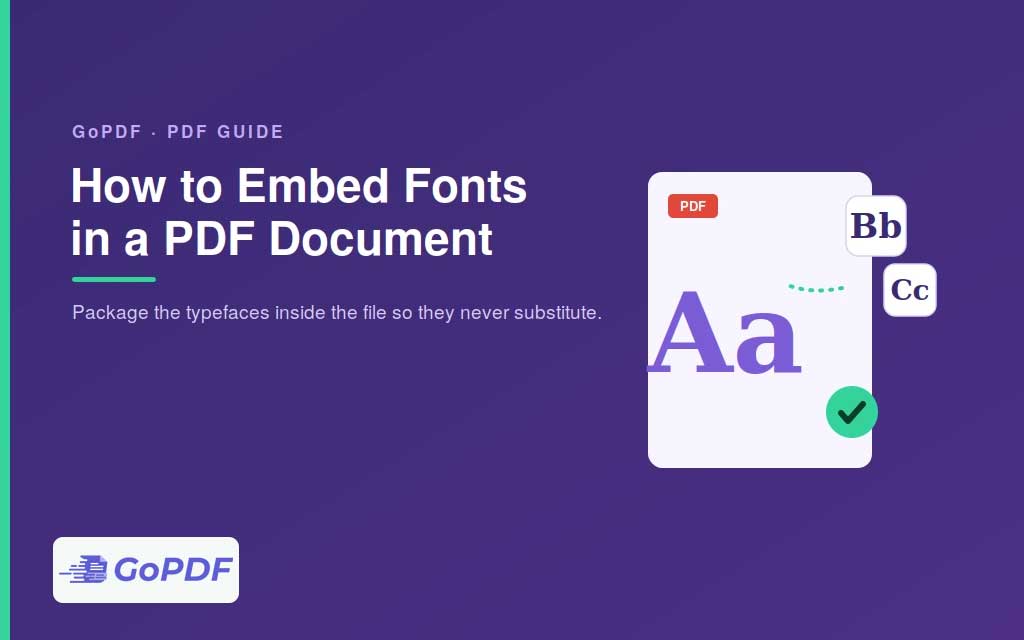
Font embedding is the mechanism that lets a PDF look identical on every device, even one that doesn’t have the fonts you used. When you embed a font, a copy of it travels inside the file; when you don’t, the recipient’s computer substitutes whatever it thinks is closest — reflowing text, shifting layouts, and sometimes mangling spacing. For any document where appearance matters, embedding isn’t optional polish; it’s what makes “Portable” in Portable Document Format actually true.
What Embedding Actually Does
A PDF references fonts by name. Without the font data inside the file, a viewer must find a matching font on the local system. If it can’t, it substitutes a default — and substitution rarely matches the original’s width and shape, so line breaks move and the design degrades. Embedding stores the glyph outlines in the document itself, so the viewer draws the exact characters you designed with, no matter what’s installed.
Full Embedding vs. Subsetting
There are two ways to embed:
- Full embedding includes the entire font. The file is larger, but anyone editing the PDF later has the complete character set.
- Subsetting embeds only the glyphs actually used in the document. This keeps file size down and is the standard choice for finished documents that won’t be edited. The tradeoff: if someone later edits the text and types a character that wasn’t subset, it won’t render in that font.
For most distribution, subsetting is the sensible default; for templates meant to be edited, full embedding is safer.
How to Embed Fonts
At export time (the best moment)
The cleanest approach is to embed when you create the PDF. Word, Google Docs, design tools, and print drivers all offer an embed-fonts option in their PDF export or “save as PDF” settings — in Word, for example, it lives under Save As → Options → ISO 19005-1 (PDF/A) or the “embed fonts” checkbox. Choosing a PDF/A profile forces full embedding automatically, which is why archival standards rely on it.
After the fact
If already exists with missing fonts in pdf, a full PDF editor can embed them via a preflight or “embed fonts” tool — provided the fonts are available on the machine doing the embedding. You can’t embed a font the computer doesn’t have.
Checking Whether Fonts Are Embedded
Open the document’s properties or Document Properties → Fonts in your reader. Embedded fonts are marked “Embedded” or “Embedded Subset.” Anything without that label is being supplied by the local system and will substitute elsewhere. This check takes seconds and is worth doing before sending anything design-sensitive.
Common Mistakes and Edge Cases
- Assuming “it looks fine” means fonts are embedded: it looks fine because you have the fonts installed. Check the properties panel to be sure.
- Licensing restrictions: some commercial fonts forbid embedding or restrict it to view/print only. A font with embedding disabled in its license can’t be embedded — the tool will skip it.
- Editing subset PDFs: typing new characters that weren’t included in the subset produces missing or substituted glyphs. Use full embedding for editable files.
- File size surprises: full embedding of large font families (especially CJK fonts) can dramatically increase file size. Subset when distribution size matters.
- Standard fonts aren’t embedded by default: the original base-14 PDF fonts are assumed present everywhere, but relying on them limits your typographic options.
Frequently Asked Questions
Why does my PDF look different on someone else’s computer?
The fonts weren’t embedded, so their device substituted others, changing spacing and layout. Embed the fonts when exporting.
Should I embed the full font or a subset?
Subset for finished documents to keep file size small; fully embed for templates that will be edited later, so all characters remain available.
How do I check if fonts are embedded?
Open Document Properties → Fonts in your PDF reader. Embedded fonts are labeled “Embedded” or “Embedded Subset.”
Why won’t a font embed?
Either the font isn’t installed on the machine doing the embedding, or its license prohibits embedding. Licensed-restricted fonts are skipped automatically.