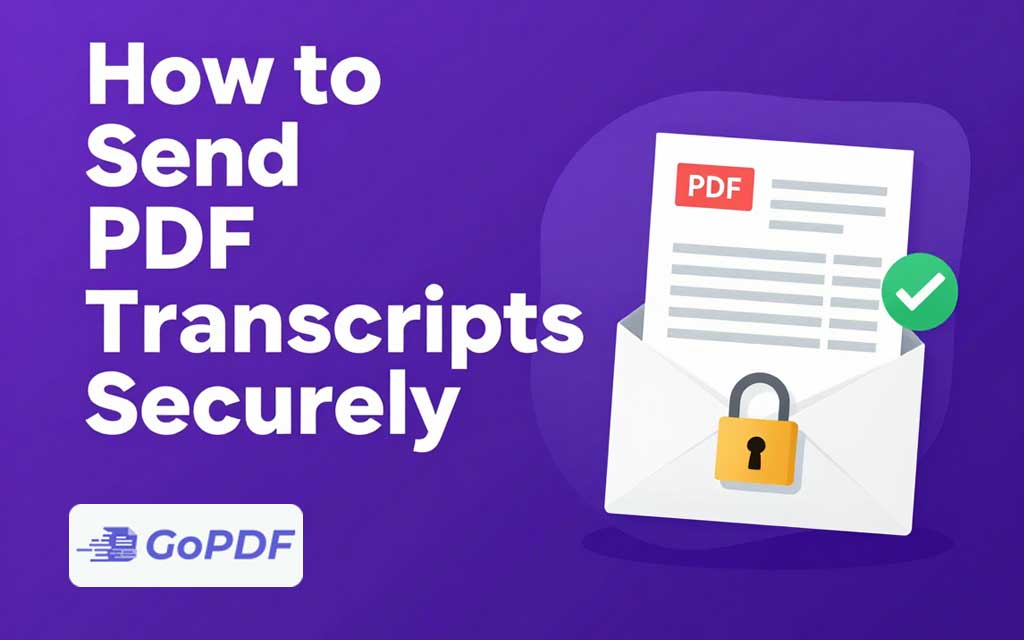
A transcript academic, medical, or financial — is a sensitive record tied to a specific person’s identity. Sending one as an ordinary email attachment exposes it to interception, forwarding, and accidental disclosure. Sending it securely means protecting the file and controlling how it travels, because a strong password is useless if you email it alongside the document. Security here is a combination of encryption, careful delivery, and, when it matters, verifiable authenticity.
What “Secure” Really Requires
Three things together make a transcript transfer trustworthy:
- Confidentiality — only the intended recipient can read it (encryption / password).
- Controlled delivery — the file reaches the right person and isn’t casually forwarded (secure channel, access controls).
- Authenticity — the recipient can trust it’s genuine and unaltered (official issuer or digital signature).
Most people address only the first and forget the other two. A password protected PDF sent to the wrong address, or one that could be a forgery, isn’t actually secure.
Methods, From Simplest to Strongest
Password-protect the PDF, then send the password separately
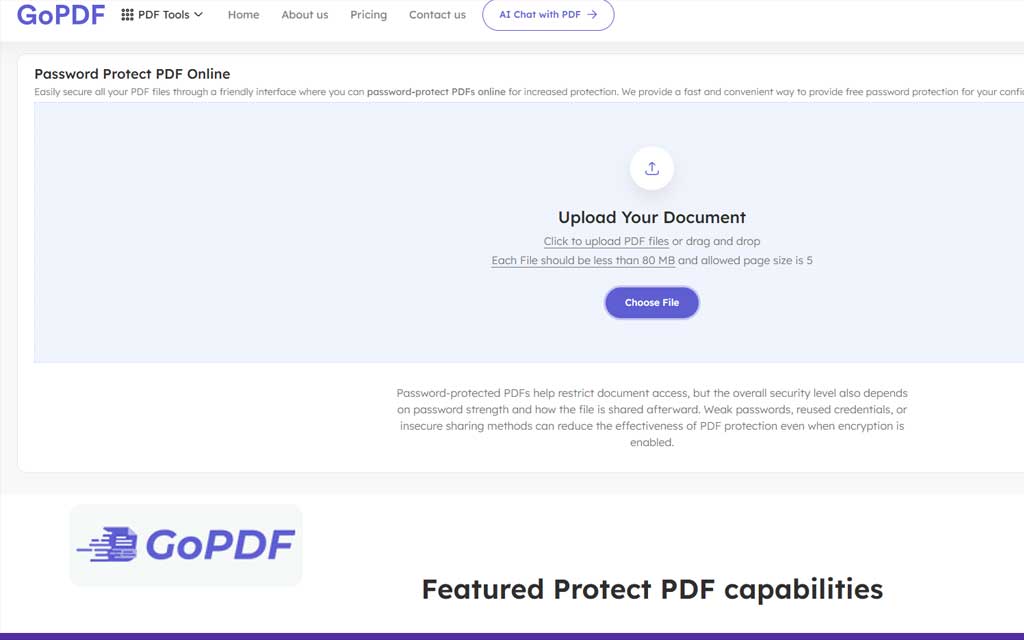
Encrypt the transcript with an open password so it can’t be read without it, attach it to email, and deliver the password through a different channel — a phone call or text, never the same email. This is the baseline for any sensitive document and is quick to do.
Use a secure file-sharing link with access controls
Upload to a service that offers expiring links, recipient verification, or download limits. This avoids the file living permanently in an inbox and lets you revoke access. It’s well suited to sending to one known recipient who can authenticate.
Send through an official or institutional channel
For academic transcripts especially, the most trusted route is the issuing institution’s official transcript service or a recognized secure-delivery network. These provide authenticity that a self-sent PDF cannot — the receiving party knows the record came directly from the source and wasn’t edited en route. Many employers and schools require this and won’t accept a transcript the candidate emailed themselves.
A Practical Workflow
- Confirm the recipient’s exact address or portal before sending anything — misdelivery is the most common breach.
- If an official issuing service is available and the recipient requires authenticity, use it.
- Otherwise, protect the PDF with a strong open password.
- Send the password through a separate channel from the file.
- Prefer an expiring, access-controlled link over a permanent attachment for sensitive records.
- Confirm receipt, then revoke or delete the shared file when no longer needed.
Common Mistakes and Edge Cases
- Password in the same email as the file: the single most common mistake — it offers no protection. Always use a separate channel.
- Relying on permissions instead of encryption: a permissions-only restriction can be bypassed; use an open password for genuine confidentiality.
- Sending to a slightly wrong address: verify the recipient before transmitting irreversible records.
- Ignoring authenticity: for official use, recipients often require the transcript to come directly from the issuer, not from the individual.
- Leaving the file in the inbox forever: permanent attachments can be forwarded or exposed later. Prefer expiring links and clean up afterward.
- Weak passwords on strong encryption: the encryption is only as good as the password protecting it.
Frequently Asked Questions
Is a password-protected PDF secure enough for a transcript?
It’s a solid baseline if you use a strong open password and send the password through a separate channel. For official use, an issuer’s secure service adds authenticity that a self-sent file can’t.
Why shouldn’t I email the password with the file?
Anyone who sees the email gets both the locked file and the key. Always deliver the password by a different method, such as a text or call.
What’s the most trusted way to send an academic transcript?
Through the institution’s official transcript service or a recognized secure-delivery network, which proves the record is genuine and unaltered.
Can I revoke access after sending?
Only if you used a file-sharing link with access controls. A plain email attachment can’t be recalled once delivered.