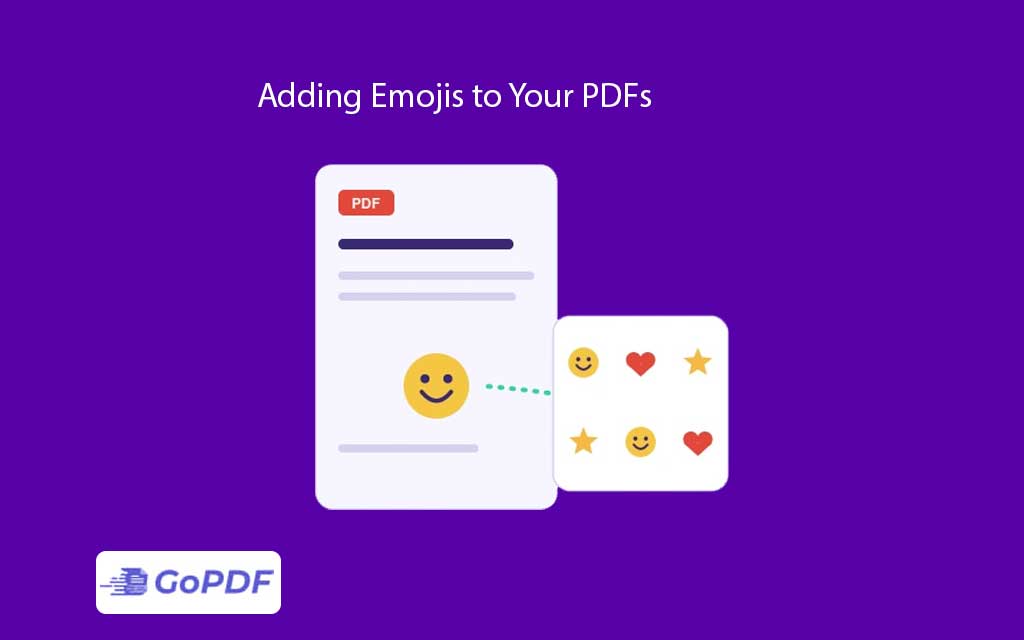
Emojis look effortless in a chat window, but dropping them into a PDF exposes a quirk of how the format handles text. A PDF doesn’t store emojis as pictures by default it stores them as characters that point to glyphs inside a font. If the font embedded in the document has no glyph for a given emoji, the character has nowhere to render, and you get an empty box, a question mark, or nothing at all. Understanding that chain character → font → glyph — explains almost every emoji problem people hit in PDFs.
Why Emojis Break in PDFs
Modern emojis are defined as Unicode code points, and full-color emoji rendering relies on special color font technologies (such as Apple’s sbix, Google’s CBDT/CBLC, or Microsoft’s COLR/CPAL tables). Standard document fonts — Times, Arial, Calibri — carry none of these. So when an emoji travels into a PDF, three things can go wrong:
- The glyph is missing. The font has no entry for that code point, producing “tofu” (□) or a blank.
- The color is stripped. The PDF rendering path supports the glyph shape but not the color tables, so a vibrant emoji prints as a flat black-and-white outline.
- The font isn’t embedded. It renders fine on your machine, where the emoji font is installed, but breaks on a recipient’s device that lacks that font.
The Reliable Fix: Treat Emojis as Images
The most dependable way to guarantee an emoji looks identical everywhere is to stop treating it as text and insert it as an image. A PNG of the emoji — with transparency — renders the same color, same shape, on every device and printer, because it no longer depends on a font being present. This sidesteps the entire glyph-and-color-table problem. The tradeoff is that an image emoji isn’t searchable or selectable as text, which rarely matters for decorative use.
Methods That Keep Emojis as Text
Embed a color emoji font
If you generate the PDF from a tool that supports font embedding, install and embed a full emoji font (for example, an open color emoji font) before export. When the font is embedded, the glyphs travel inside the file and survive on any device. Be aware this can noticeably increase file size, since emoji fonts are large.
Export from an application that rasterizes emojis
Some design and word-processing tools convert emojis to small images automatically on PDF export. Canva, Google Docs, and several presentation tools do this, which is why emojis from those sources usually survive intact.
A Practical Troubleshooting Workflow
- Reproduce on another device. Open the PDF on a phone and a different computer. If the emoji shows on one but not another, the font wasn’t embedded.
- Check whether it’s color or outline. A black-and-white emoji means the shape embedded but the color tables didn’t — switch to the image method.
- Inspect for tofu. A box or blank means the glyph is genuinely missing; the source font has no emoji support.
- Decide: text or image. For searchable text, embed a color emoji font. For guaranteed appearance, replace the emoji with a transparent PNG.
- Re-export and verify on a clean device that doesn’t have the emoji font installed.
Common Mistakes and Edge Cases
- Assuming “it works on my screen” means it’s fixed: your machine has emoji fonts installed; the recipient’s may not. Always test on a device without them.
- Skin-tone and combined emojis: many emojis are sequences (a base emoji plus a modifier joined by a zero-width joiner). Fonts that lack the combined glyph fall back to showing the parts separately — a thumbs-up plus a stray color swatch, for instance.
- Print output differs from screen: some printers and PDF print pipelines drop color glyphs even when they display correctly. The image method is the safest choice for anything going to print.
- Accessibility: image emojis need alternative text, or screen readers skip them entirely. Text emojis are announced by their Unicode name.
- Older PDF viewers: legacy readers may not support color font tables at all, regardless of embedding.
Frequently Asked Questions
Why does my emoji show as a black-and-white outline?
The glyph shape embedded but the color layer didn’t render. Use a transparent PNG of the emoji to preserve color reliably.
Why is there a box instead of my emoji?
The font in the PDF has no glyph for that emoji. Embed a color emoji font or replace the character with an image.
Will emojis stay searchable if I insert them as images?
No. Image emojis aren’t selectable or searchable. Keep them as embedded text if searchability matters; add alt text for accessibility.
Do emojis increase PDF file size?
Yes — either through large embedded emoji fonts or through added image data. For a handful of emojis the increase is small; for many, it adds up.